Collecting Full Logs
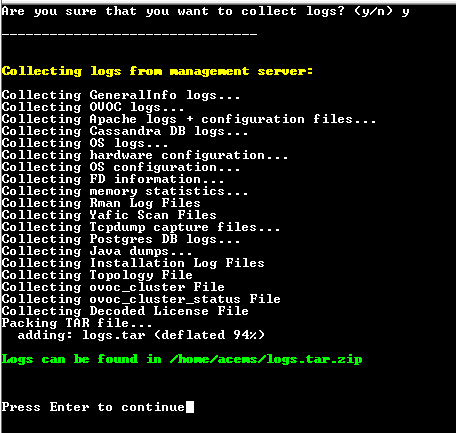
This option enables you to collect important log files. All log files are collected in a single file log.tar that is created under the user home directory.
The following log files are collected:
|
■
|
OVOC server Application logs |
|
■
|
Apache logs and configuration files |
|
■
|
PostgreSQL Database logs |
|
■
|
Hardware information (including disk) |
|
■
|
File Descriptors used by processes info |
|
■
|
Server’s Syslog Messages |
|
■
|
License file and Decoded License file |
|
■
|
Relevant network configuration files (including static routes) |
|
1.
|
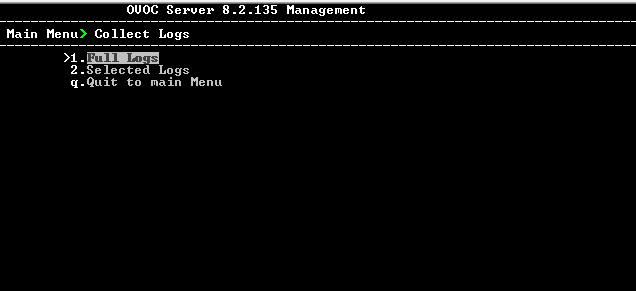
From the OVOC server Management root menu, choose Collect Logs, and then press Enter. |
Collect Logs
|
2.
|
Select option Full Logs, and then press Enter. |
|
3.
|
You are prompted if you wish to collect logs, enter y to proceed. The logs are collected. This process can take a few minutes. Once all of the logs have been collected, a message is displayed informing you that a Diagnostic tar file has been created and the location of the tar file. |
Collecting Logs